Create a new folder
Last updated: March 19, 2026
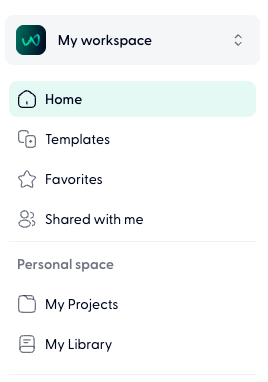
Go to My Projects or a projects space within a teamspace.
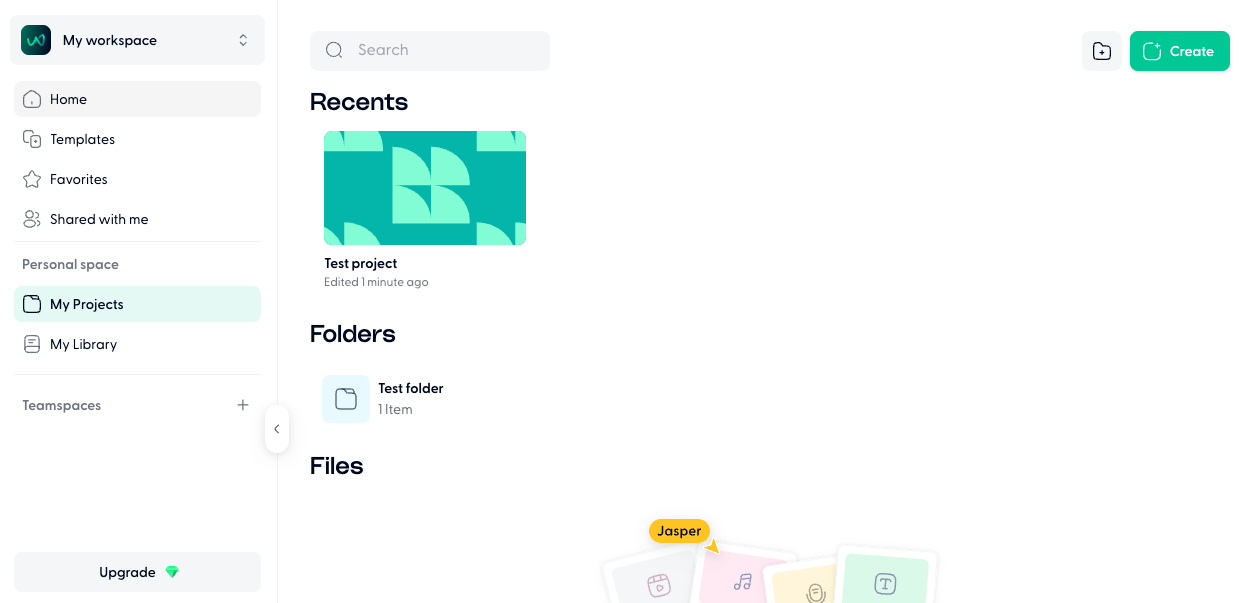
Press on the grey + button in the top right corner.
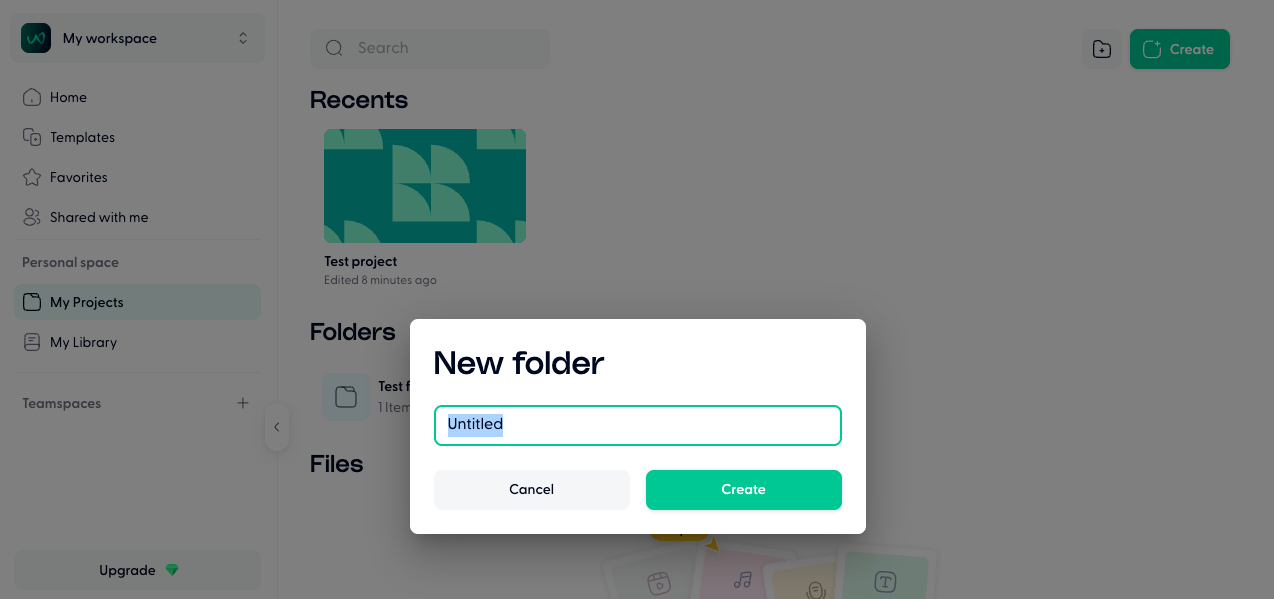
Name the folder, and press on Create to save the folder.
You can create subfolders within folders as well.