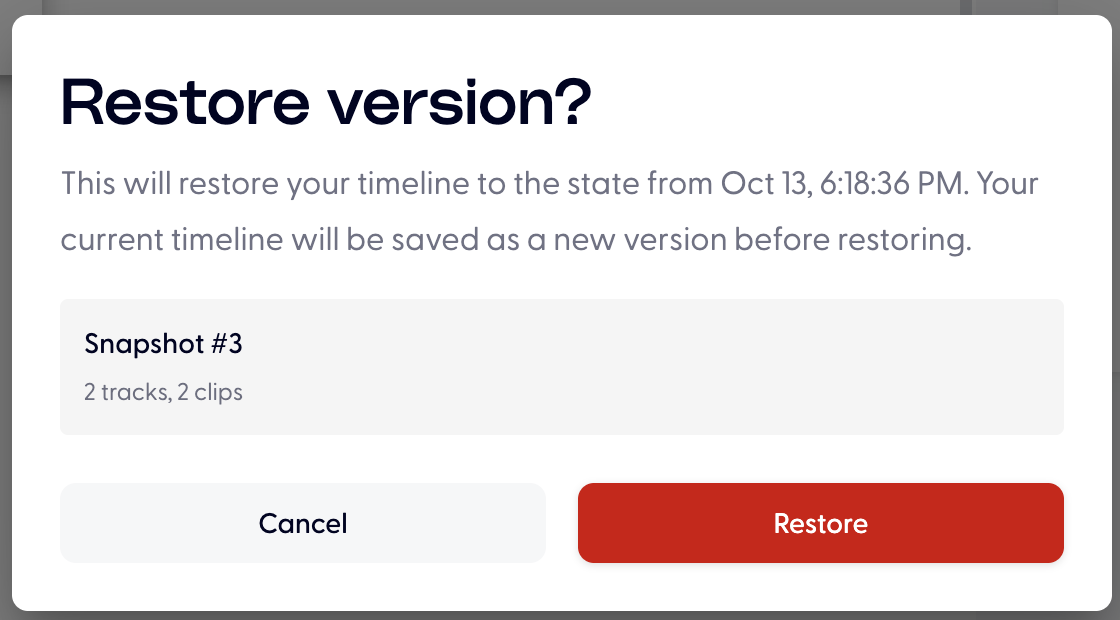
How can I go back to previous version?
Last updated: October 13, 2026
AI is not predictable and it will make mistake sometimes, so we have 2 times free re-generations per clip to correct it.
Only if your changes are within 25 characters, what else it will cost credits.
But sometime you actually prefer the previous version, you can go back by clicking the green cloud icon, and then choose the correct timestamp snapshot to recover:
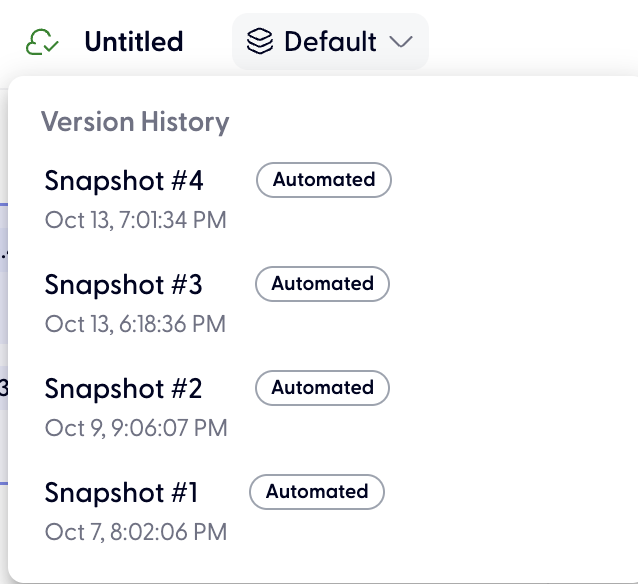
Snapshot mean the version of whole timeline, every clip's edits will be reverted.
Click Restore to revert the timeline back to previous version.