Refer friends and earn free credits
Last updated: August 8, 2026
Share Wondercraft with a friend and you'll both benefit. You earn free credits when your referral signs up and starts creating - and even more if they upgrade to a paid plan.
What you get
When your referral... | You earn |
Signs up and tries out Wondercraft | 100 credits |
Upgrades to a paid plan (while you're on a paid plan) | 500 credits |
Credits are added to your account automatically once each milestone is reached. There's no limit to how many friends you can refer.
How to refer a friend
Open the Wondercraft homepage (the screen you see after logging in).
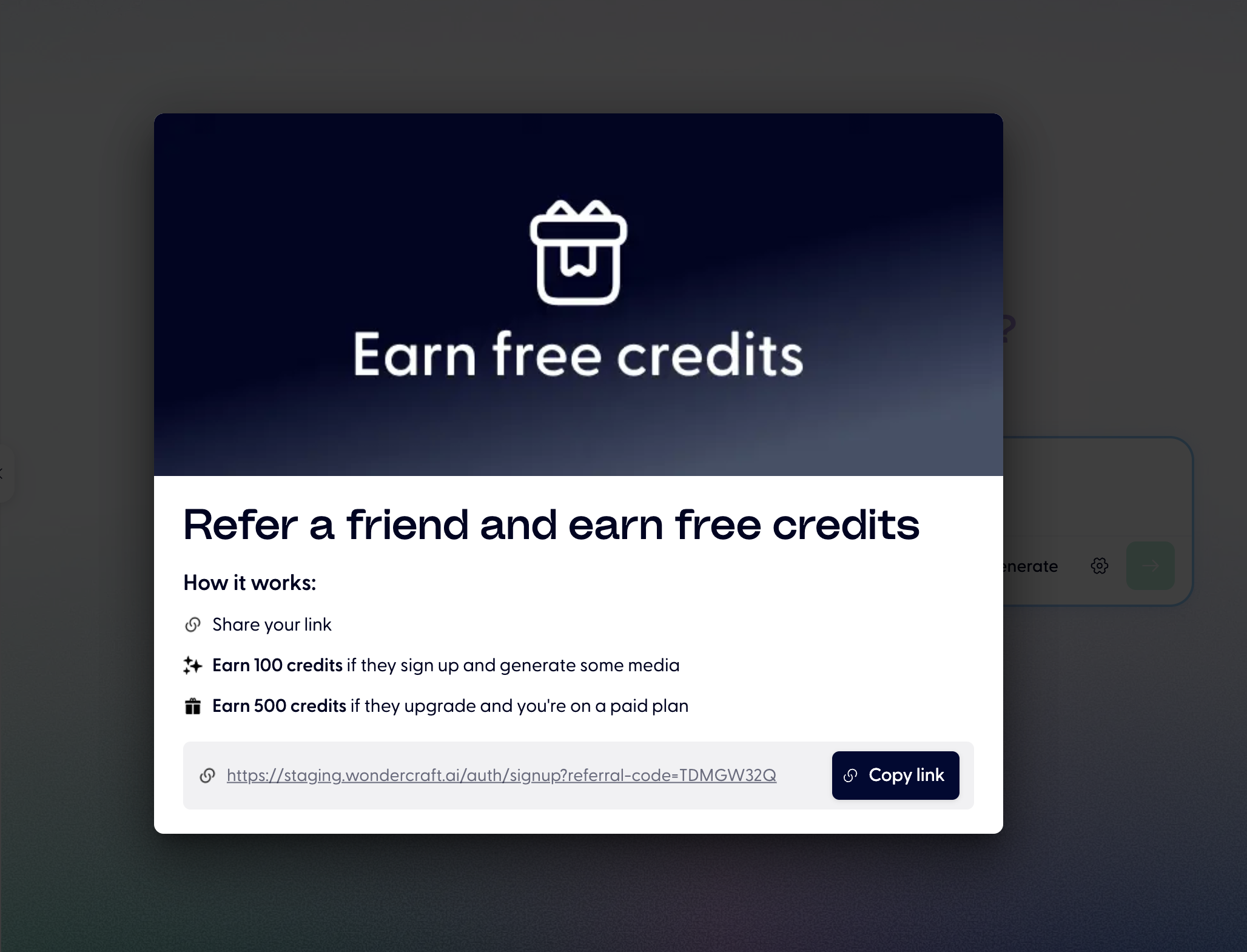
Click Refer a friend in the banner at the top of the page. This opens the referral dialog.
Click Copy link to copy your unique referral link to your clipboard.
Share the link with your friend — via email, message, or however you prefer.
Your referral link looks like this: wondercraft.ai/auth/signup?referral-code=YOUR_CODE
When your friend signs up through this link, their account is automatically tied to yours for credit tracking.
Where to find the referral banner
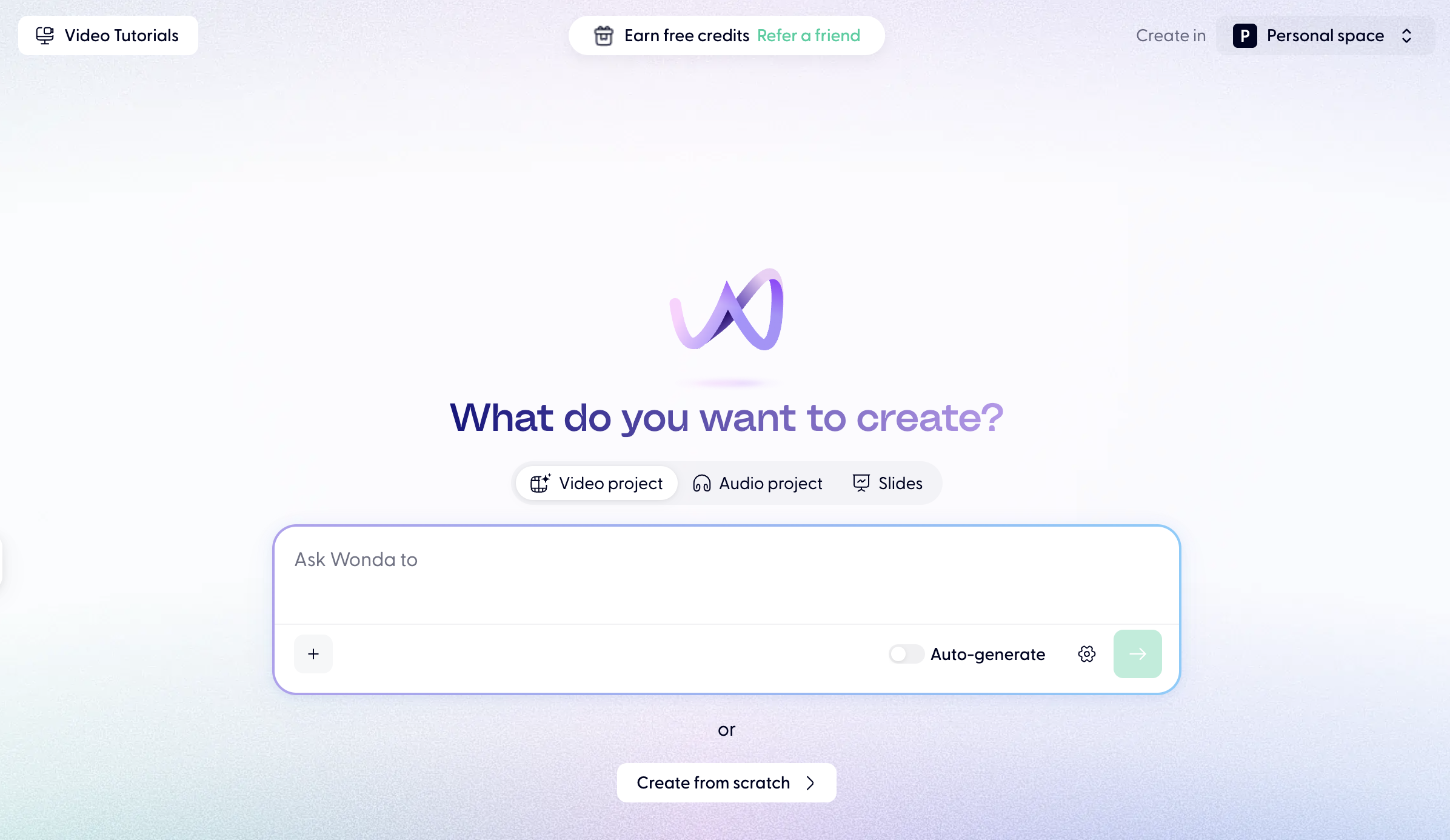
The referral banner appears on your homepage after you log in. It shows a rewards icon with the text Earn free credits and a Refer a friend link. Click the link at any time to open the referral dialog and copy your link.
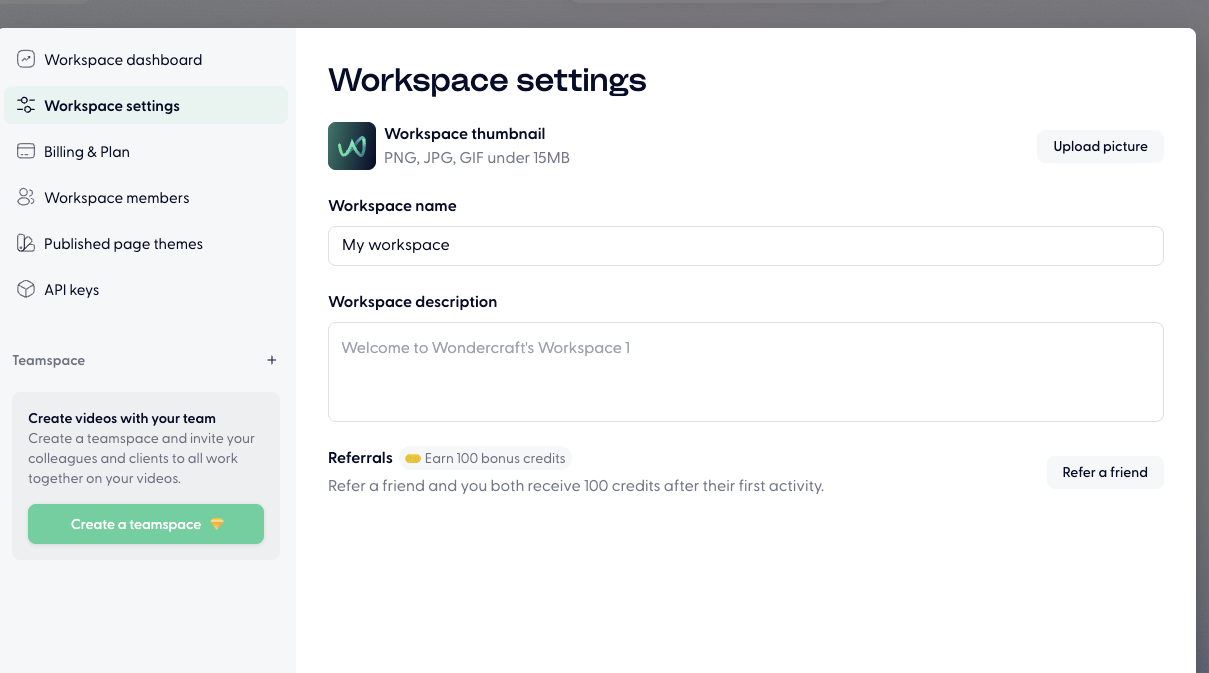
If you've dismissed the dialog before, you can reopen it by heading to W (My workspace) in the top left corner > Workspace settings > Workspace settings > Referrals.
Or on top middle of your homepage:
How to close the pop-up:
You can just click any grey area, or press ESC button on your keyboard.