How to opt into Wonda 2.0
Last updated: May 6, 2026
This article explains how to opt-into early access alpha features on Wondercraft, including Wonda 2.0.
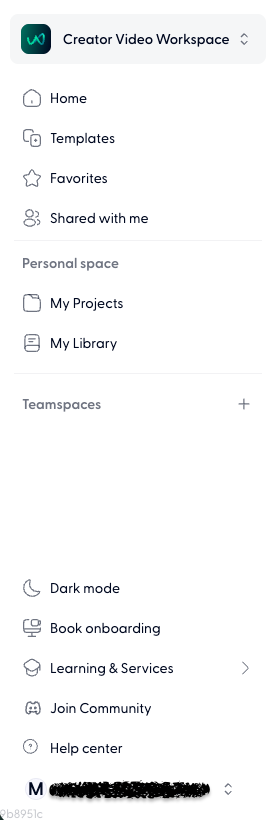
Go to https://www.wondercraft.ai/studio and open the left panel.
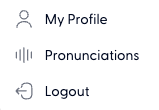
Click on your email address, then select My profile.
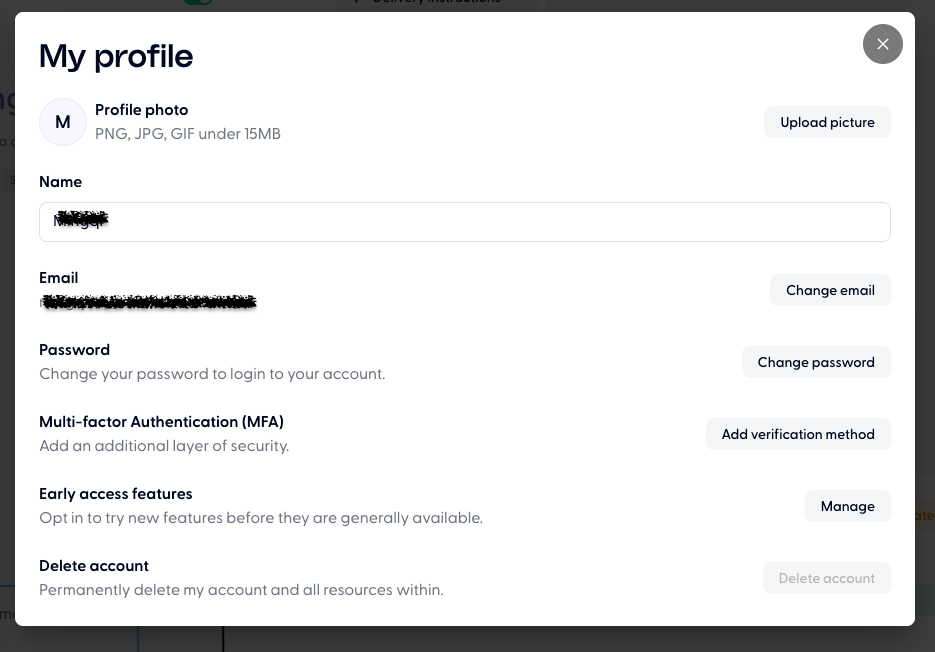
Select Early access features > Manage.
Toggle on Wonda 2.0.
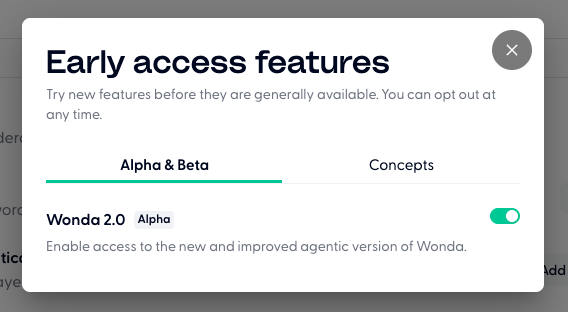
Note that if you are in a workspace with other members, toggling this on enables Wonda 2.0 for you only and doesn't change it for other members of your workspace.
If you would like to opt your entire workspace into Wonda 2.0, please send us a message via the green chat bubble in the bottom right corner of the screen.