Customize pronunciations
Last updated: September 10, 2026
Note that Custom pronunciations don't support Convo Mode yet, but we are working on this.
For words that need to be consistently pronounced in a special way, like a name or a scientific term, follow these steps.
Click on your email address in the bottom left corner.
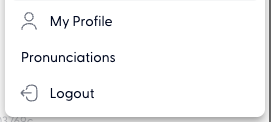
Select Pronunciations.
Click on Add pronunciation.
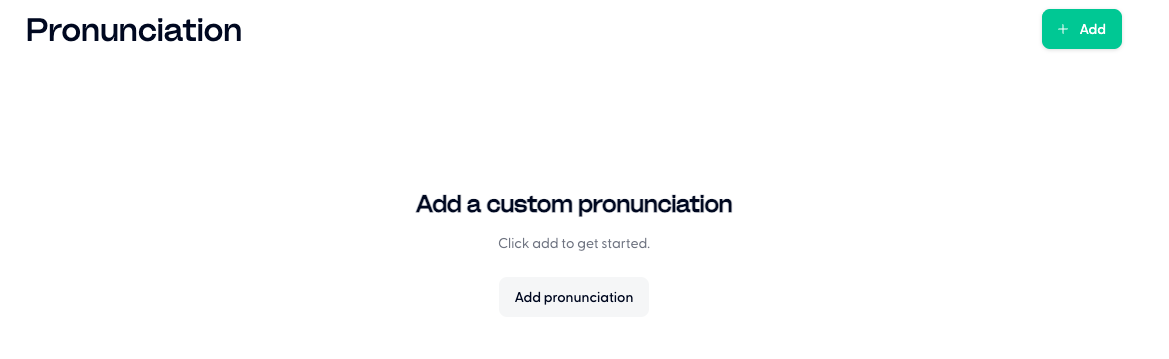
Write how the word is spelt in the Word field, how it's pronounced in the Pronunciation field, and what language it's in in the Language field. Check Case sensitive if you would like to configure the custom pronunciation for this specified spelling only, and not its capitalized or lower-cased variation.
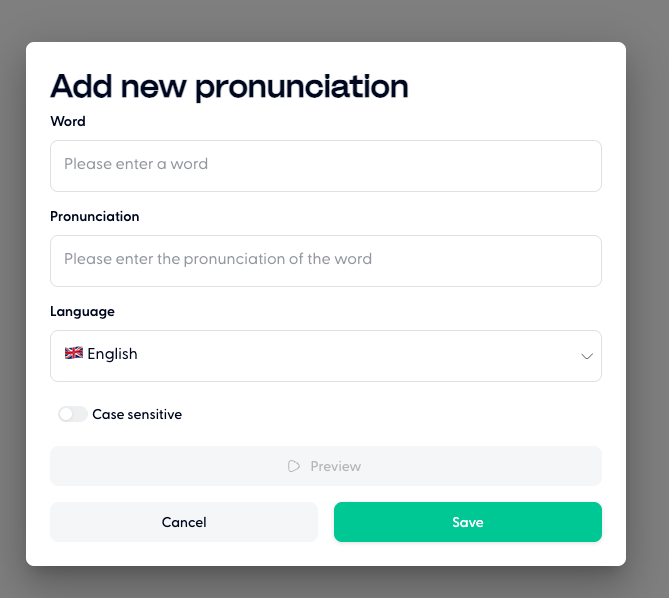
You can also listen to an audio preview of this pronunciation. Confirm by clicking on Save.