Wondercraft API
Last updated: March 19, 2026
Wondercraft offers an audio API for our Creator, Pro, and Enterprise users.
For information on how to set it up, go to our documentations here: https://docs.wondercraft.ai/introduction
Generate an API key
Go to wondercraft.ai/studio.
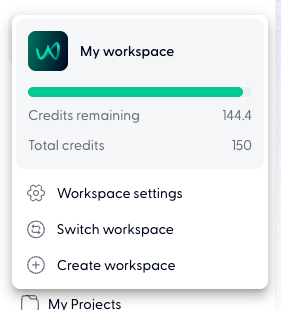
Press on the green W icon or "My workspace" in the top left corner.
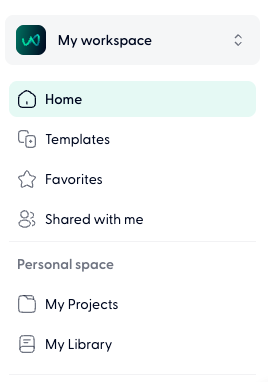
Click on Workspace settings.
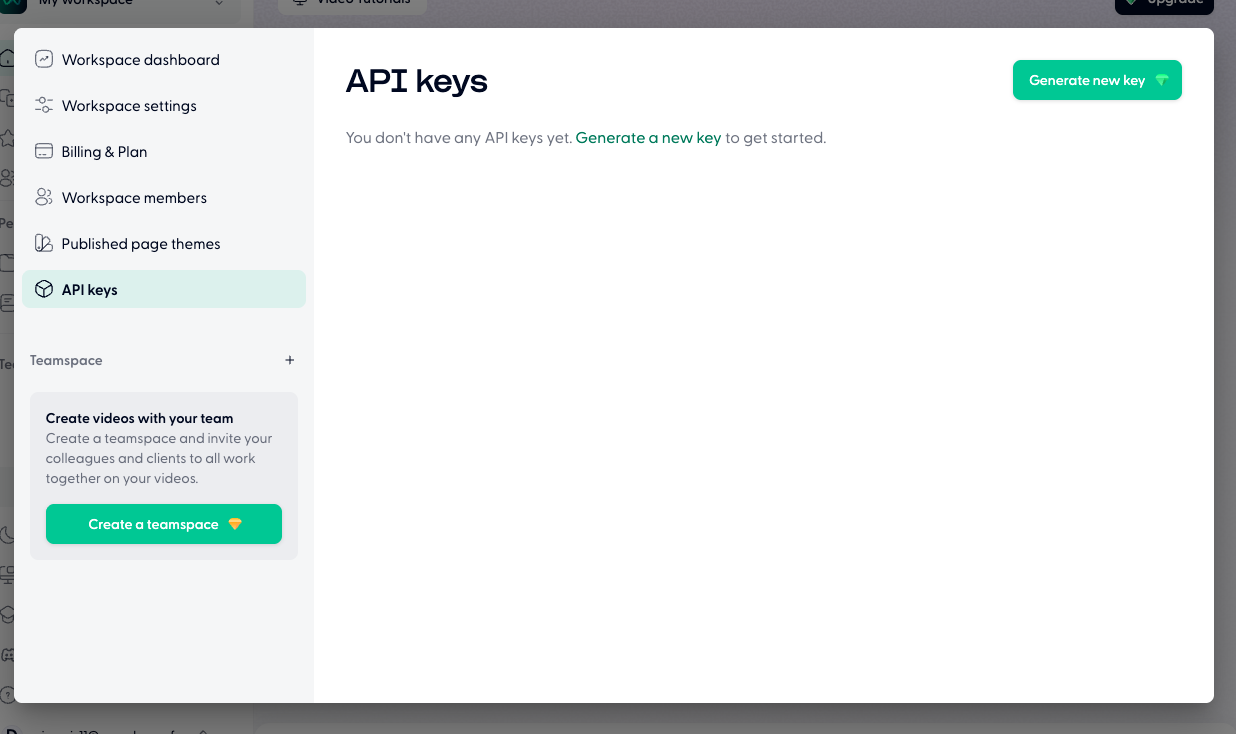
Go to API keys, then press on Generate new key in the top right corner.
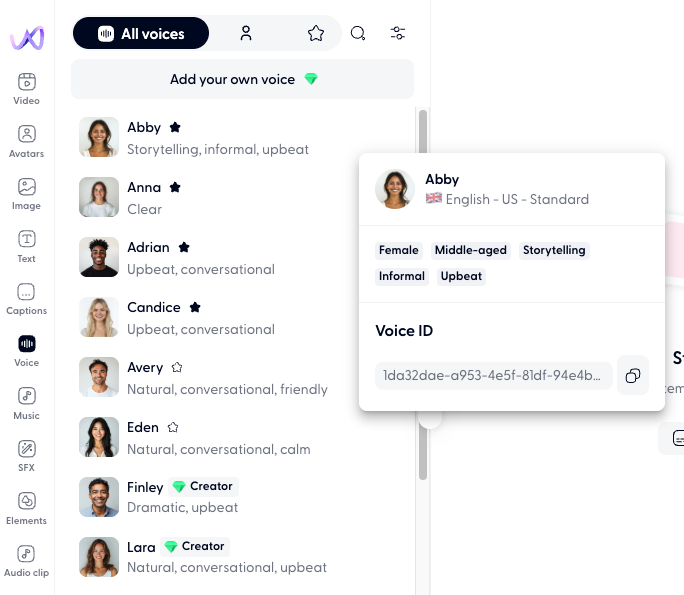
Find Voice or Music id
Open any project.
Click to select either the Voice or the Music tab on the left.
Hover over the voice or music track of choice, and click on the three dots (...) to access and copy the id.