Find RSS feed to publish a podcast
Last updated: July 14, 2025
To publish a Wondercraft-created podcast to distribution platforms like Spotify, Apple Podcast and YouTube, you would need an RSS feed. Follow the steps below to obtain the RSS feed for your podcast.
Publish the folder that contains your podcast episodes. Obtaining an RSS feed only works on published folders, not individual tracks.
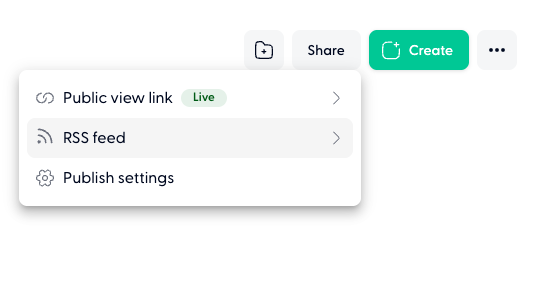
See more here on how to 📄 Publish your folderNavigate your folder page (double click on it to enter inside), click on Share on the top right and RSS feed.
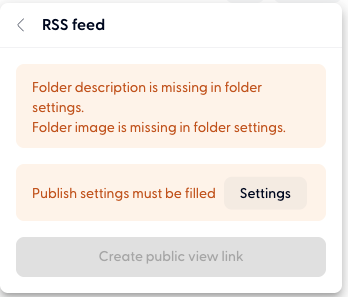
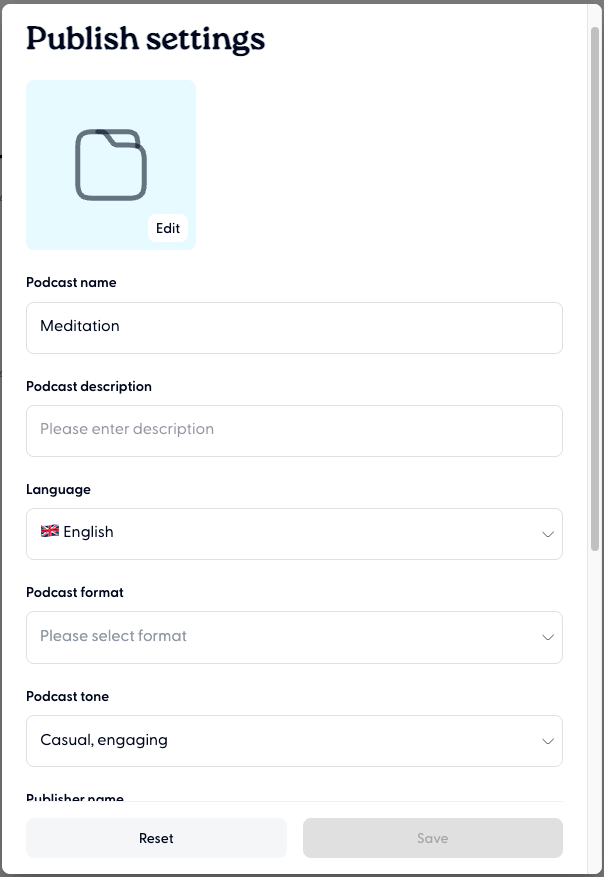
Ensure you meet all the requirements. Click on Settings and fill in all the required fields and hit Save.
Click on Create RSS feed
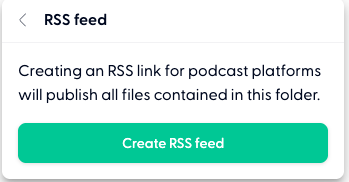
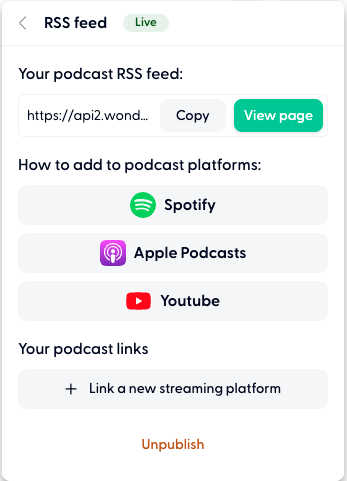
You'll now have access to the RSS feed link