Download a clip
Last updated: August 6, 2026
Select a clip from the timeline, click on the three dots at the end of the clip.
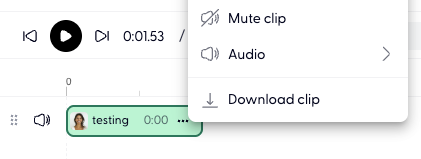
Click on the Download clip button.
The selected audio clip would now be downloaded as a mp3 file.
Download the whole session
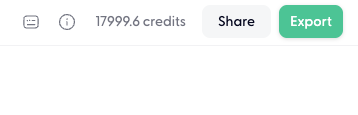
Click on Export on top right corner:
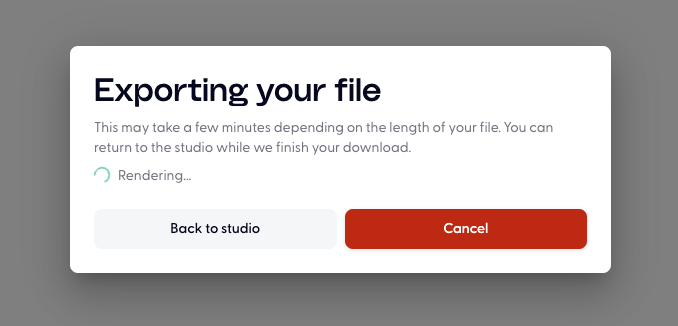
Select your desired format, and click on Export button on the bottom:
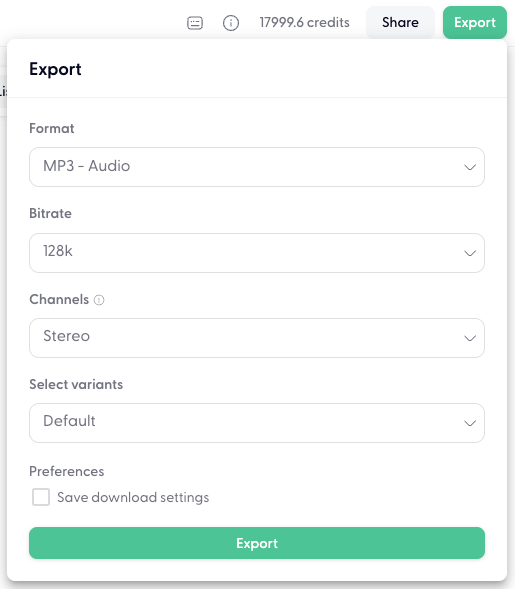
You can click Back to studio, the file will be automatically downloaded to your device.
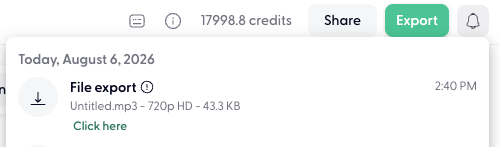
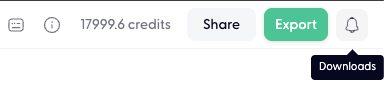
If it's not automatically downloaded, you can click on the bell icon on top right corner( it will only exist if you have downloaded this session):
Click "Click here" to export it to your device: