Why are the features I paid for locked?
Last updated: May 15, 2025
If you've recently upgraded but still see certain features locked, it’s usually related to one of the following reasons:
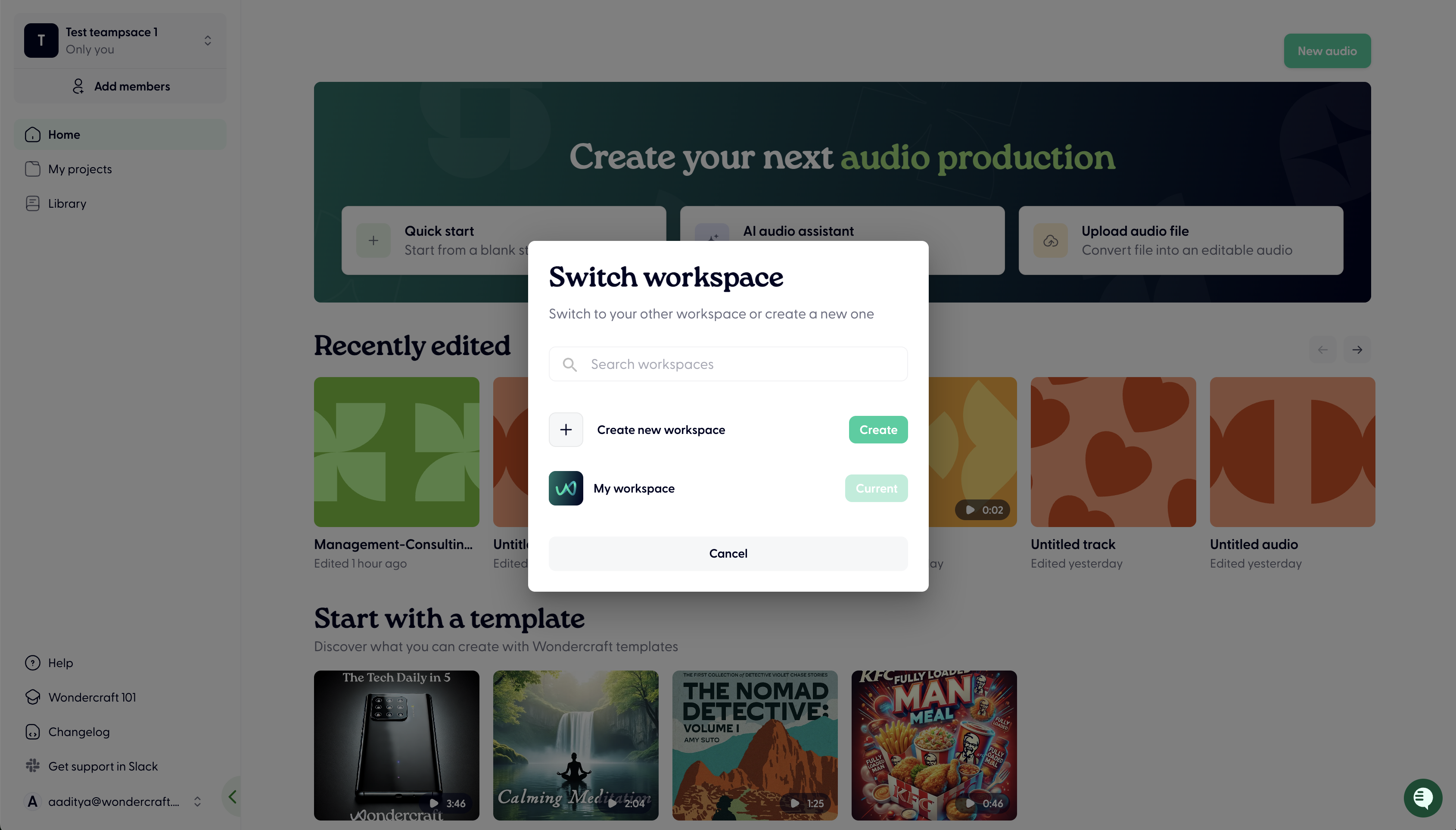
1. You may be in the wrong workspace
Each Wondercraft subscription is tied to a unique Workspace
If you're working within a Team on Wondercraft, it's likely you will have multiple workspaces - a team one, and a personal one
Usually the paid subscription will be tied to one of these Workspaces (typically the shared Workspace with your team)
To find the Workspace you're in or switch, click on your user email on the bottom left and click Switch Workspace.
2. You may be logged into a different account
If you created multiple accounts (e.g. with different emails or sign-in methods), you may be logged into one that doesn’t have the paid plan.
Subscriptions are linked to the specific account used at checkout.
Check your upgrade confirmation email to verify which account was used.
Try logging out and signing in again using a different email or method.
3. You may have upgraded to a different plan than expected
Some features are only included in specific plans. If something is still locked, it may not be part of your current tier.
Double-check your current plan under Settings > Billing & Plan.
Compare available features on our pricing page.
You can upgrade or switch plans at any time if needed.
For any other reason, get in touch with us (support chat in the bottom right bubble) or contact support@wondercraft.ai
Want a more personalized tour of the platform? Sign up to our Weekly onboarding session with our Founder & CEO Dimi. Groups are kept small, so you can ask any specific questions.
Book your spot now here, spaces are limited!