Create a full video using Wonda
Last updated: August 3, 2026
Wonda can take a single prompt and turn it into a fully produced video - complete with script, visuals, music, and voiceover. This article walks through the full creation flow.
Starting a video project with Wonda
On the home page, make sure Video project is selected above the prompt box. Type a description of what you want to create and press Enter or click the green arrow.
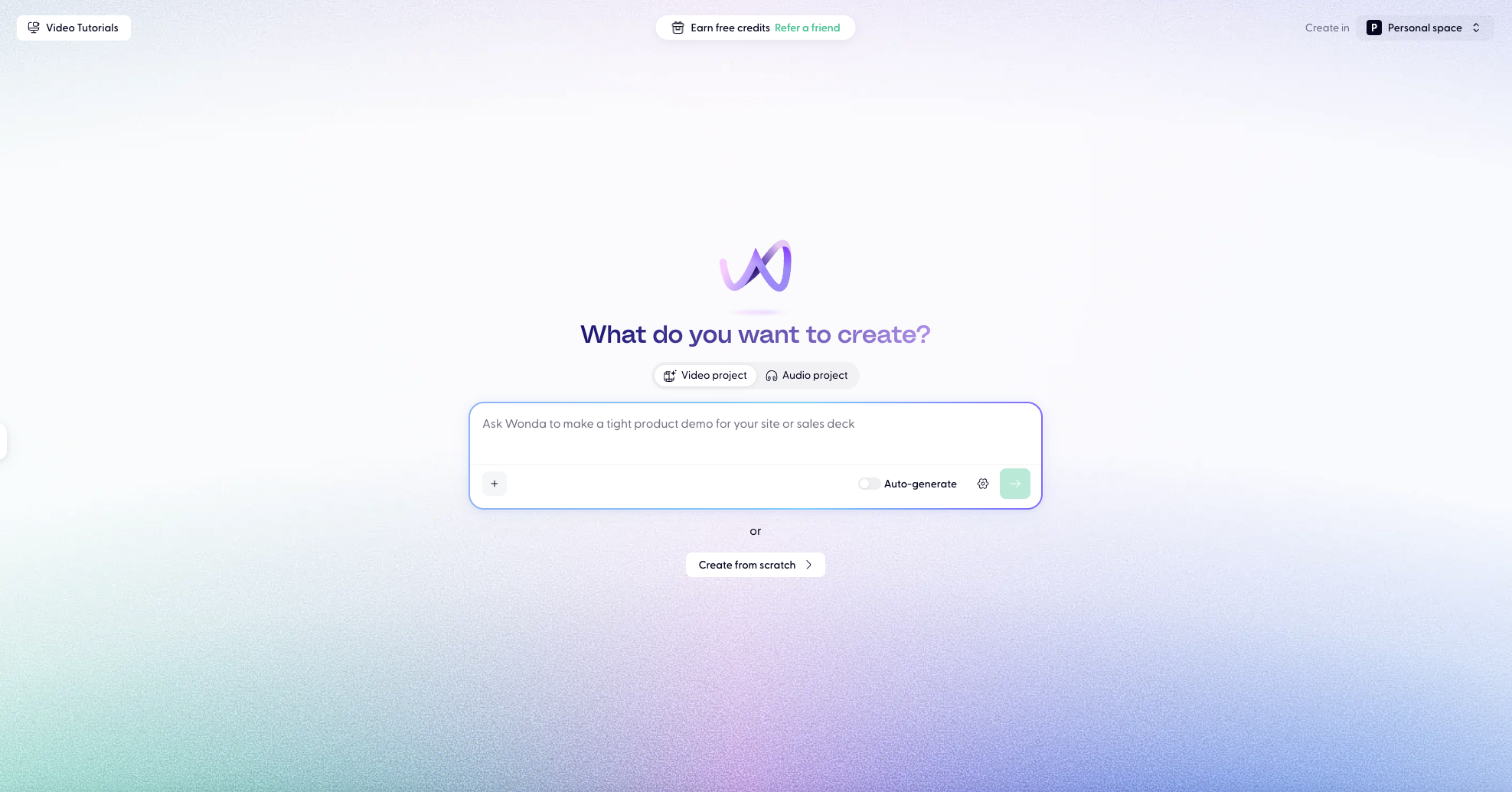
Keep "Auto-generate" mode toggled off to see and iterate on a video storyboard before Wonda generates the full video for you. More information below.
Tips for a strong opening prompt:
Include the format (e.g. explainer, product demo, training video, ad)
Specify the tone (e.g. professional, upbeat, dry humour)
Mention target duration if you have one
Reference a brand or style if relevant - you can include a URL and Wonda will extract brand colours and logo
You don't need to capture everything upfront. Wonda will ask follow-up questions to fill in anything missing.
The planning flow
After you submit your prompt, Wonda may show clarifying questions. Click it to answer inline - this helps Wonda tailor the output before generating anything.
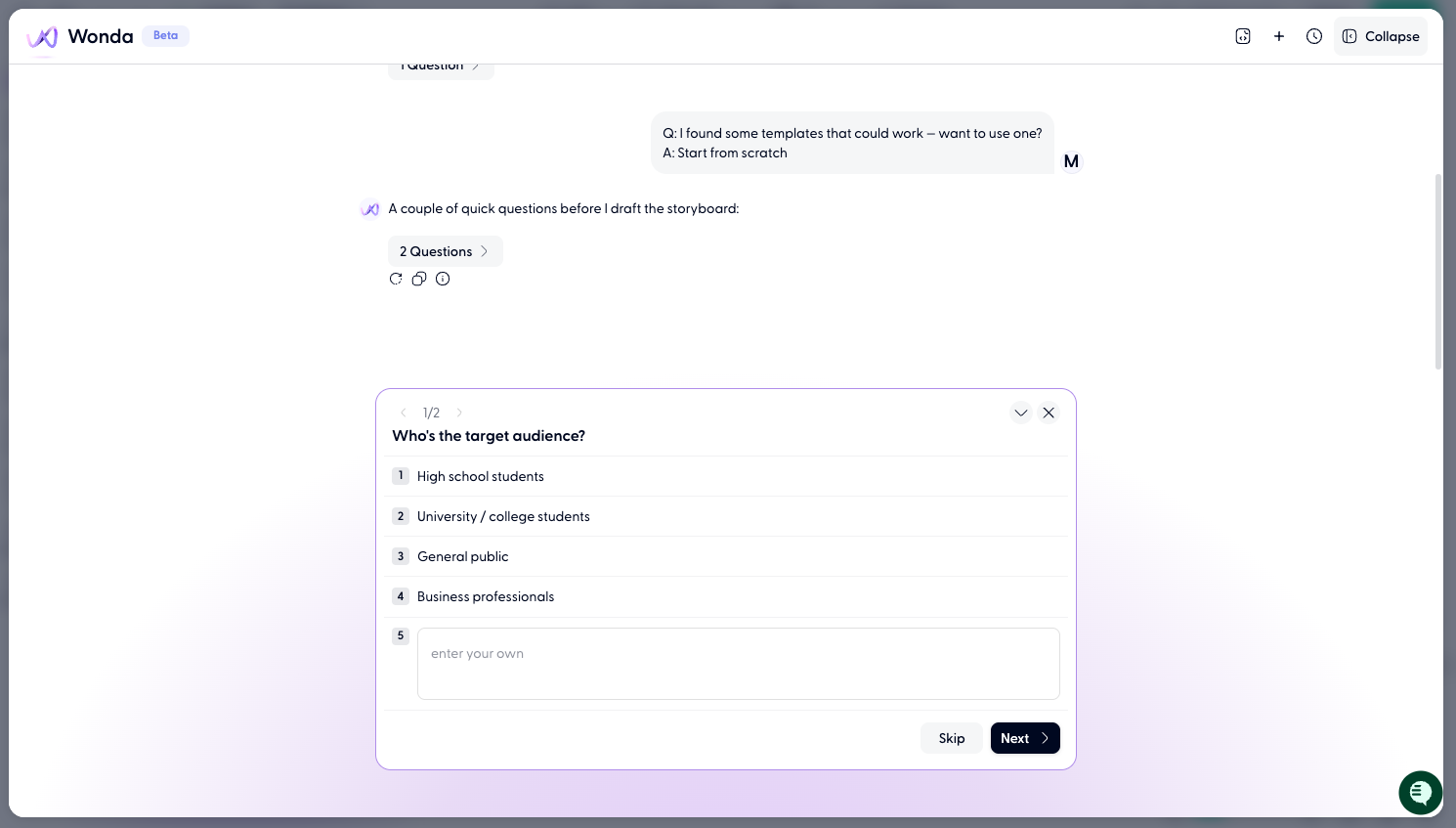
Once it has enough context, Wonda will produce a Storyboard. This is an illustrated outline of your video: scenes, visual descriptions, script lines, and suggested assets. You'll see it as a Storyboard in the Wonda chat.
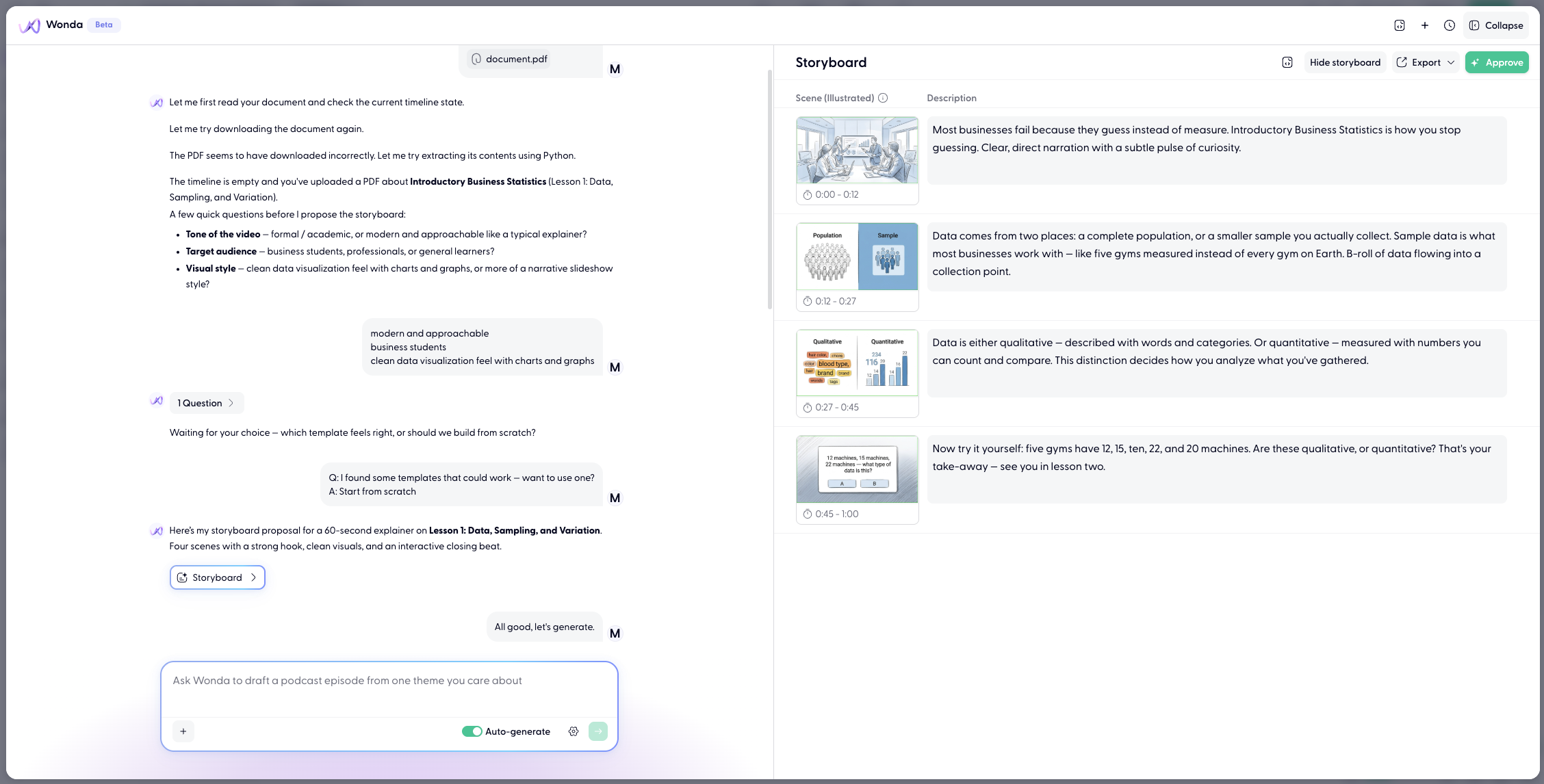
Review the storyboard before accepting. If you would like anything changed, just tell Wonda and it can make any edits you are looking for.
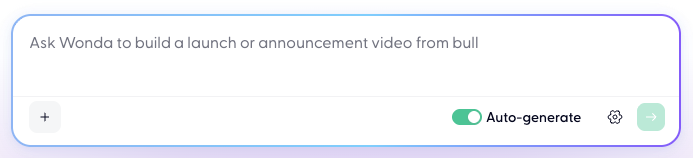
Before you click Approve, make sure you turn Auto-generate on so as Wonda will create asset for you.
Iterating in the editor
Once you confirm the storyboard, Wonda builds out the full timeline and drops you into the editor. From here, you continue the conversation in the Wonda panel on the left.
You can give Wonda instructions like:
"Change the background in scene 2 to something more modern"
Replace the voice in the second clip with something warmer"
"Realign all assets to match the new audio timing"
"Add a title card at the start"
See more in these two articles 📄 How to use Wonda and 📄 Wonda skills & prompt guide.